




You log in to Facebook, everything seems fine, and then the moment you’re supposed to see the 2FA (two-factor authentication) screen, nothing opens 😐. No code prompt. No approval request. No error. You tap again. You refresh. Still nothing. It feels like the door to the last room simply doesn’t exist.
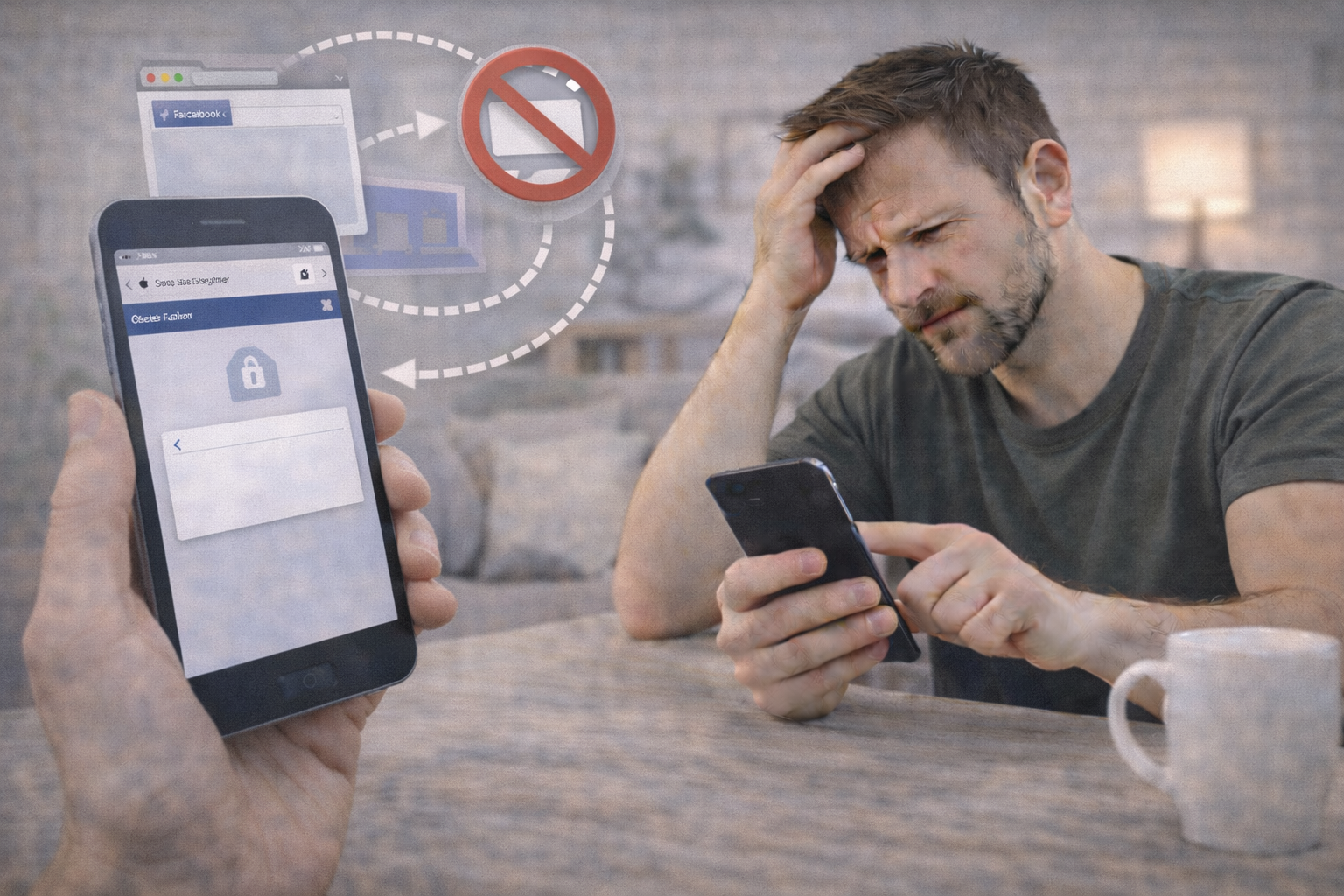
In a very large number of real-world cases, this is not a broken account and not a missing 2FA setup. It’s a UI delivery failure caused by a pop-up blocker colliding with an embedded WebView. The 2FA screen is being called, but it’s being blocked before it can render.
Throughout this guide, I’ll reference Facebook, but this exact conflict appears across many modern apps and browsers that mix embedded web content with security dialogs. Once you understand where the screen is supposed to come from, the fix becomes straightforward.
Definition: Why the 2FA Screen Is a Pop-Up (Even If It Doesn’t Look Like One) 🧩
This is the key misunderstanding.
On Facebook, many 2FA prompts are not rendered inline on the same page. Instead, they are launched as:
- a new window
- a modal pop-up
- or a separate WebView layer
This design exists for security isolation. The 2FA step runs in a sandboxed context so scripts on the login page cannot interfere with it.
Here’s the problem:
👉 Pop-up blockers and embedded WebViews often misinterpret this secure 2FA window as an unwanted pop-up and block it silently.
So from Facebook’s perspective:
- Login succeeded
- 2FA was triggered
From your device’s perspective:
- “A pop-up was attempted”
- “Blocked”
And from your perspective:
- Nothing happens at all 😵💫
Think of it like a secure elevator that only opens in a side hallway 🚪. If the hallway is blocked, you’ll never see the elevator, even though it arrived.
Why This Happens More Often in Embedded WebViews 📱
An embedded WebView is a mini-browser inside another app, such as:
- logging in from a link opened in email
- logging in from Messenger, Instagram, or another app
- logging in inside a password manager
- using in-app browsers instead of Safari or Chrome
WebViews often:
- restrict new windows
- block pop-ups by default
- suppress external redirects
- disable certain JavaScript window calls
That’s fine for normal browsing, but 2FA flows rely on exactly those behaviors.
When combined with:
- system-level pop-up blocking
- content blockers
- strict browser privacy modes
…the 2FA screen is effectively prevented from opening at all.
How the Flow Is Supposed to Work 🧠📡
Here’s the simplified intended path:
Password accepted ✅
        |
        v
2FA required
        |
        v
Secure 2FA window / WebView opens
        |
        v
User enters code or approves login
        |
        v
Access granted ✅
When the problem occurs, the failure is here:
Secure 2FA window requested
        |
        v
Pop-up / WebView blocked ❌
        |
        v
User sees nothing 😐
No error is shown because, technically, the request was made. It was just never allowed to render.
Why Facebook Doesn’t Show an Error 🤷♂️
From Facebook’s side, the action succeeded. The platform doesn’t always know the UI was blocked locally. Revealing internal auth mechanics would weaken security, so instead of saying “your browser blocked this,” the system waits.
That’s why this feels like a freeze or dead click rather than a clear failure.
Quick Diagnostic Table 🧪📋
| What you see | What it suggests | Why it fits |
|---|---|---|
| Clicking login does nothing | Pop-up blocked | 2FA window suppressed |
| Works in full browser | WebView limitation | Full browser allows pop-ups |
| Works on desktop but not mobile | Mobile WebView | Stricter window rules |
| No error shown | UI never rendered | Backend thinks it worked |
| Works after disabling blockers | Content blocking | 2FA window allowed |
How to Fix It: Clean, Reliable Solutions 🛠️✨
The goal is to let the 2FA window open in a fully capable browser context.
Step 1: Stop using in-app browsers
Do not log in via links opened inside email apps, Messenger, Instagram, or other apps. Copy the URL and open it directly in Safari or Chrome.
Step 2: Temporarily disable pop-up blockers
In your browser settings, allow pop-ups for Facebook during login. You can re-enable blockers afterward.
Step 3: Disable content blockers or privacy extensions briefly
Script blockers, ad blockers, and privacy tools often block the exact JavaScript call that launches the 2FA screen.
Step 4: Use a full browser, not “private” or “reader” mode
Private modes sometimes restrict window creation.
Step 5: Try desktop if mobile keeps failing
Desktop browsers handle 2FA pop-ups more reliably.
Step 6: Reload and log in once, cleanly
Avoid repeated clicks. Let the browser open the 2FA window naturally.
In most cases, the 2FA prompt appears immediately once pop-ups are allowed and the login happens in a full browser.
Real-World Examples 🌍
Example 1: A user logs in from a Gmail app link on iPhone. Password works, but 2FA never appears. Opening Facebook directly in Safari fixes it instantly.
Example 2: A user has a strict content blocker enabled. The 2FA JavaScript window call is blocked. Disabling the blocker allows the screen to open.
Example 3: A user logs in inside a password manager’s embedded browser. The WebView doesn’t support new windows. Switching to Chrome resolves the issue.
A Short Anecdote 📖🙂
I once helped someone who thought their authenticator was broken because Facebook never even asked for a code. The account wasn’t the issue. They were logging in through an in-app browser that quietly blocked pop-ups. The moment they switched to a normal browser, the 2FA window popped up like it had been waiting all along. Nothing changed except the doorway.
What NOT to Do ❌
Avoid these actions, which usually make things worse:
- clicking login repeatedly
- changing your password
- disabling 2FA entirely
- switching networks mid-login
- assuming the account is locked
If backup codes or approvals work elsewhere, that’s proof the issue is UI delivery, not security.
Frequently Asked Questions (10 Niche FAQs) ❓🧠
1) Why doesn’t Facebook show the 2FA screen at all?
Because the browser blocked the window before it rendered.
2) Is this a Facebook bug?
No. It’s a compatibility issue with pop-up handling.
3) Does this happen more on mobile?
Yes. Embedded WebViews are common on mobile.
4) Can ad blockers break 2FA?
Yes. They often block window.open calls.
5) Why does desktop work when mobile doesn’t?
Desktop browsers support pop-ups more fully.
6) Is private browsing a problem?
It can be. Some private modes restrict new windows.
7) Does VPN usage matter here?
Not usually. This is a UI issue, not a network issue.
8) Can clearing cache fix it?
Sometimes, but allowing pop-ups is more reliable.
9) Why doesn’t Facebook detect the block?
Because the browser doesn’t always report it.
10) Is my account safe while this happens?
Yes. Authentication hasn’t completed yet.
People Also Ask 🧠💡
Why won’t Facebook open the authentication code screen?
Because the browser or WebView blocked the secure pop-up.
Do I need to allow pop-ups for Facebook?
Yes, at least temporarily.
Is this related to cookies?
Indirectly, but pop-ups are the main factor.
Why does it work on one device and not another?
Different browsers handle embedded windows differently.
Conclusion: The Screen Exists, but the Door Is Blocked 🚪🔐
When the Facebook 2FA screen won’t open, the problem is almost never your code or your account. It’s the delivery mechanism. The 2FA prompt lives in a secure pop-up or WebView, and your environment is preventing it from appearing.
Once you allow that window to open by using a full browser and relaxing pop-up blocking just long enough, the authentication flow completes normally.
The lock wasn’t broken. The window was just never allowed to open 🙂
You should also read these…
- olddry.com – waterproofing and insulation with dursolex ideal f
- soturk.com – haarverlangerung oder perucke der vergleich fur ih
- axtly.com – herbal tea recipes to support immune health
- godwig.com – my tiktok account was hacked how to get it back
- spyfrogs.com – inside the making of 2025s blockbuster hits
- huesly.com – videos wont play only on certain carriers traffic
- getaluck.com – fixing random desktop crashes during gameplay
- sixrep.com – why are tiktok trends different in each region
- axtly.com – best budget bluetooth headphones under 50 2025
- beofme.com – exploring local food markets on a budget